Education is the best way to give the younger generation more opportunities later in life. How do we make it more accessible to other kids who may be hard of learning?
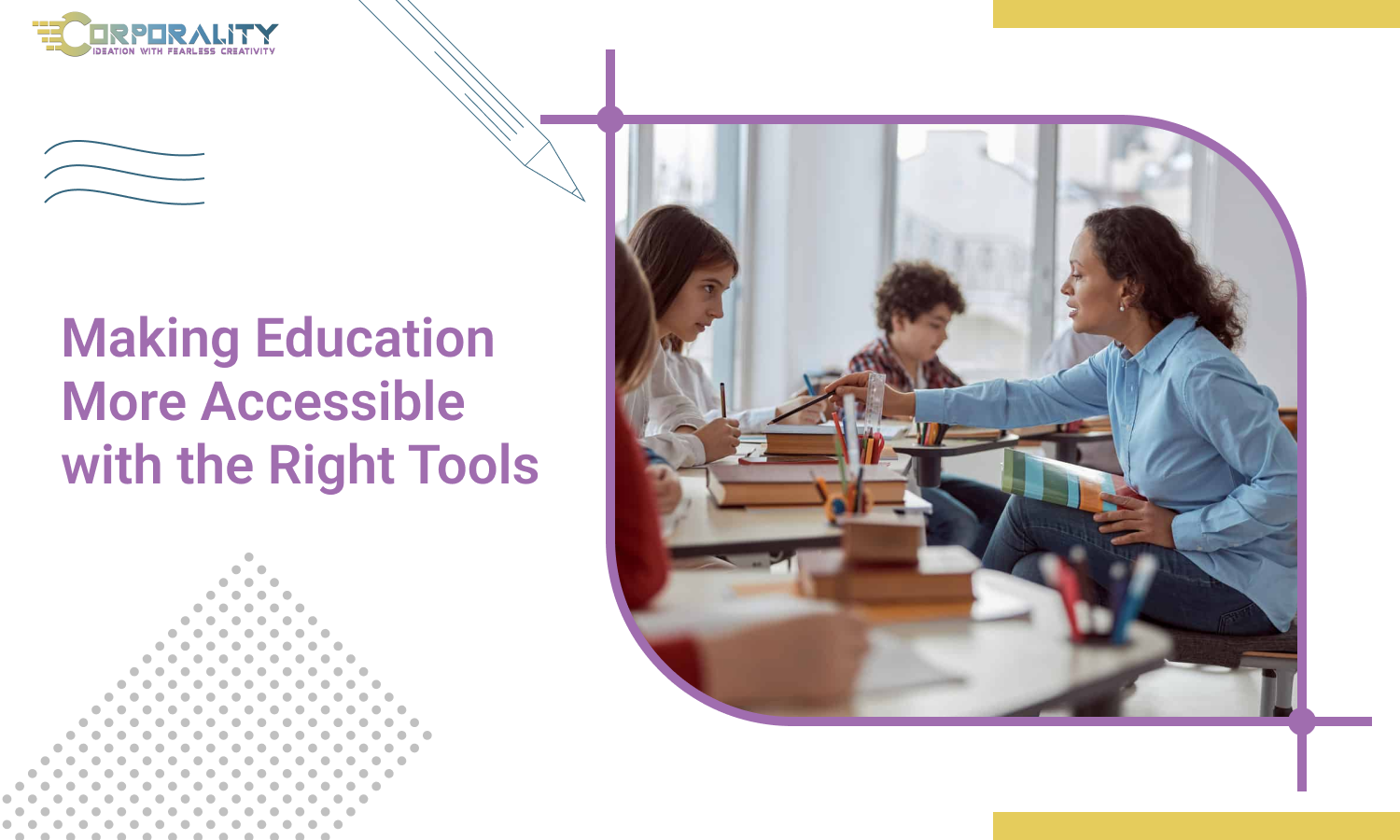
The wide variety of students in today's classrooms is one of the most amazing features of modern education. Students with physical, psychological, or cognitive challenges who previously seemed too difficult to integrate or who were excluded from regular classrooms now study in all classrooms from kindergarten through college thanks to mainstreaming and inclusion legislation. This has proved advantageous for both challenged kids, who acquire educational chances, and their non-disabled peers, who discover that a student with a disability is generally just like them and is not someone to be afraid of.
However, this integration presents difficulties for teachers. For instance, the expense of teaching pupils with disabilities has increasingly fallen on the already overburdened finances of public schools. This raises an ethical duty concern. The most expensive programming is on public districts, yet we welcome our children with special needs. This means that many schools may not be able to afford the kinds of specialized tools and technology that may be required.
In some cases, many students are also unable to enroll in online college programs. Despite the huge proportion of post-secondary students with impairments, up to 80% of all online instructors fail to take their requirements into account while planning or teaching their courses. Due to this circumstance, students who were unable to enroll in critical courses for their majors that are only offered online filed a lawsuit against the University of Montana on their behalf. The complaint was made by the university's Alliance for Disability and Students.
Thankfully, educators may now use a variety of modern technologies to make their classes more accessible for both traditional and online learners with impairments, at little to no additional expense. Other new technologies are constantly being developed, and each is a great boon to the learning process, opening doors, expanding learning experiences, and even broadening the parameters of what can be learned for millions of students. While the majority of people may be familiar with alternative keyboards and touch screens that replace conventional touch-type keyboards for people with mobility challenges, these technologies are not the only ones that benefit the learning process.
Text-To-Speech
Digital texts can be read aloud using text-to-speech assistive technology tools, and this functionality can help children read independently while using their gadgets.
Select-to-Speak
When this feature is turned on, students can choose a line of text or move their cursor over a broader area of text to hear it read aloud. Other capabilities include the ability to shade the background behind the text and the ability to highlight each word as it is read. You may alter the volume, pace, and pitch.
Immersive Reader
With addition to reading the material aloud, Immersive Reader also color-codes sections of speech, employs syllabication to aid in decoding, and provides greater space between words and letters as it reads. It has various customisation choices when active, including font size and color, backdrop colour, picture dictionary and translations.
Speak Screen
The accessibility options feature Speak Screen, which enables users to swipe to hear the text on the screen. It also offers the choice of underlining specific words or entire sentences. Both the reading speed and the highlight style are modifiable. Reader view can also be turned on while using Safari on an iPhone or iPad to remove distractions from a website.
Dictation
The Chromebook also offers dictation (the ability to type text using your voice), in addition to the voice typing options available in the Google for Education apps. When a pupil talks into the device, the computer records their voice and inserts the transcription wherever the cursor is positioned on the screen.
A built-in voice typing feature is included in the Microsoft 365 programs. Dictation gives a number of commands for browsing through and altering text once it has been engaged and enabled, allowing users to type using their voice.
Voice Control
When turned on, Voice Control enables users to narrate text into devices. A user can type without using the keyboard thanks to a set of commands that can be used to manipulate the cursor and change the text.
Corporality Global is a brand that aims to enlighten you about various marketing strategies and helps you get in front of your audience. CEOs and CMOs can take control without disrupting their existing framework and infuse potent schemes to help business growth. Book a discovery call with us today!
Copyright © 2022 Corporality Global. All rights reserved. Corporality and its logo are trademarks of Corporality Global.